
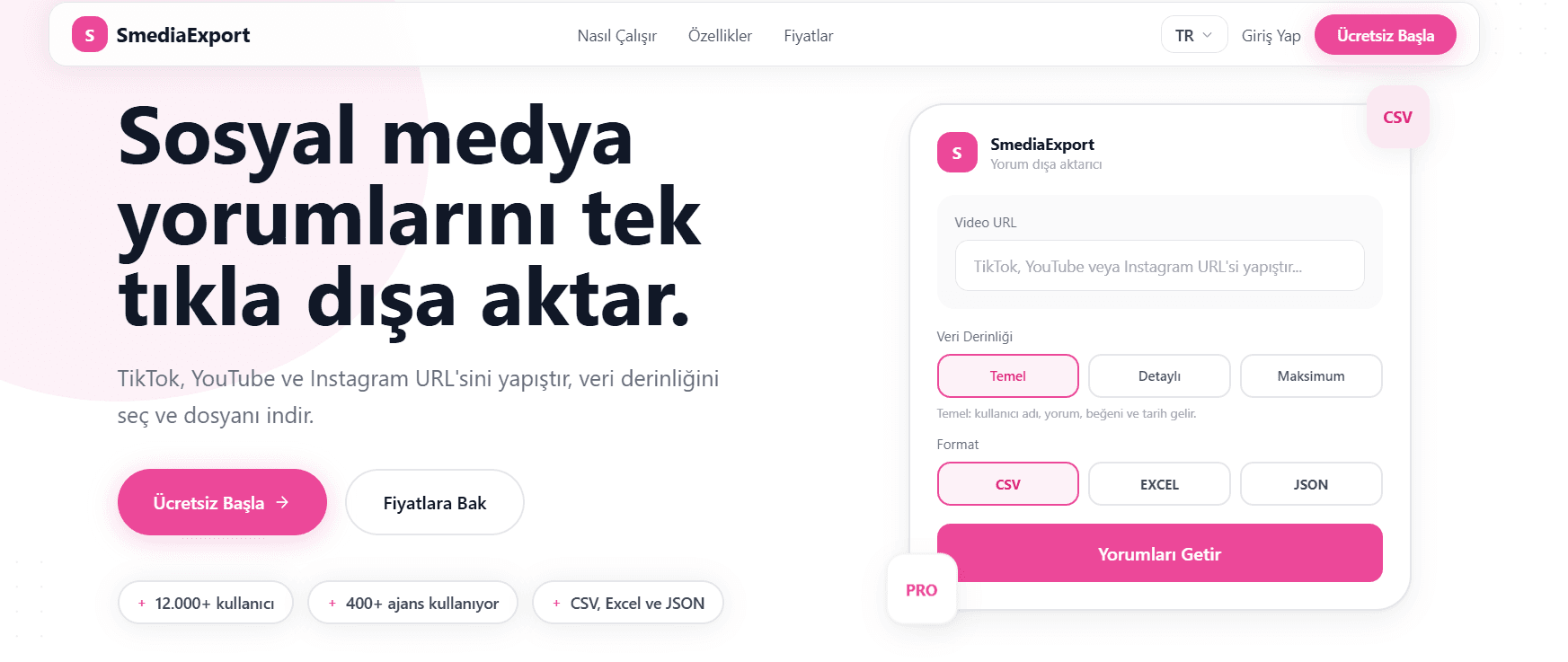
Meet SMediaExport, your new best friend in the world of social media analytics! 🌟 This powerful tool lets you effortlessly extract comments from popular platforms like TikTok, Instagram, and YouTube. With just a simple URL paste, you can export these comments in CSV, Excel, or JSON format. Whether you're an agency, content creator, or brand, SMediaExport makes it easy to analyze data quickly and efficiently.
Imagine being able to choose the depth of your analysis, from simple to detailed, with a few clicks. Not only that, but SMediaExport offers advanced features like keyword filtering, date range selection, and AI-powered sentiment analysis. This means you can filter comments by likes, include sub-comments, and truly understand user feedback to measure campaign performance effectively.
How SMediaExport Works
Using SMediaExport is a breeze. First, grab the URL of the content from TikTok, Instagram, or YouTube that you want to analyze. Next, paste this URL into SMediaExport's interface. You're then given the option to choose the format for your exported data - CSV, Excel, or JSON. This flexibility ensures that you can work with the data in whichever way suits your needs best.
Once you've selected your format, you can dive deeper into the analysis options. SMediaExport allows you to filter comments by keywords, date range, or even the number of likes. You can also choose to include sub-comments for a more thorough analysis. The AI-driven sentiment analysis feature is a game-changer, providing insights into the emotional tone of the comments. This step-by-step experience makes extracting and analyzing social media data not only straightforward but also incredibly insightful.
Key Features
SMediaExport is packed with features to streamline your social media analysis.
- Data Export Options: Export comments in CSV, Excel, or JSON format with ease.
- Advanced Filtering: Filter by keywords, date range, and likes to tailor your analysis.
- AI Sentiment Analysis: Understand the emotional tone behind the comments with AI-powered insights.
- Sub-comment Inclusion: Include or exclude sub-comments as needed for comprehensive analysis.
Who Is It For?
SMediaExport is designed for anyone looking to gain insights from social media comments quickly and effectively. Whether you're part of an agency, a content creator, or a brand manager, this tool is perfect for you.
- Agencies seeking to report and analyze client social media data.
- Content creators looking to understand audience feedback.
- Brands aiming to measure campaign performance and user sentiment.
Pros and Cons
Pros
- Easy-to-use interface with straightforward steps.
- Comprehensive data export and filtering options.
Cons
- Limited to TikTok, Instagram, and YouTube.
- Requires internet connection for data processing.
Verdict
SMediaExport stands out as a must-have tool for social media analytics. Its user-friendly design and powerful features make it indispensable for anyone looking to transform comments into actionable insights. Ready to take your social media strategy to the next level? Give SMediaExport a try today!
Frequently Asked Questions
How do I export data using SMediaExport?
Simply paste the content URL into the platform, select your desired format, and export!
Can I use SMediaExport for platforms other than TikTok, Instagram, and YouTube?
Currently, SMediaExport supports only these three platforms.
What formats can I export the data in?
You can export data in CSV, Excel, or JSON formats.
Does SMediaExport offer sentiment analysis?
Yes, it offers AI-powered sentiment analysis to understand the emotional tone of comments.
Is there a limit to the number of comments I can export?
There is no specific limit mentioned, but it depends on your subscription plan.